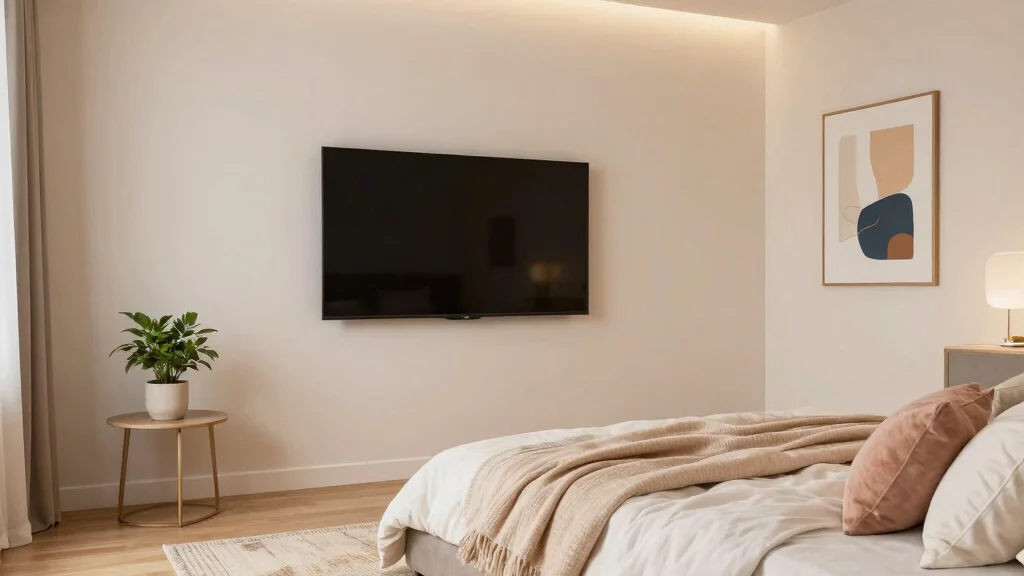

You want a TV that fits your space and feels comfy from the bed. A 32–50 inch TV usually works for most bedrooms, with 43–50 inches ideal if you sit 6–10 feet away and 32–43 inches better for tighter rooms. I’ll show simple ways to pick the right size so you avoid a screen that’s too small or dominates the room.
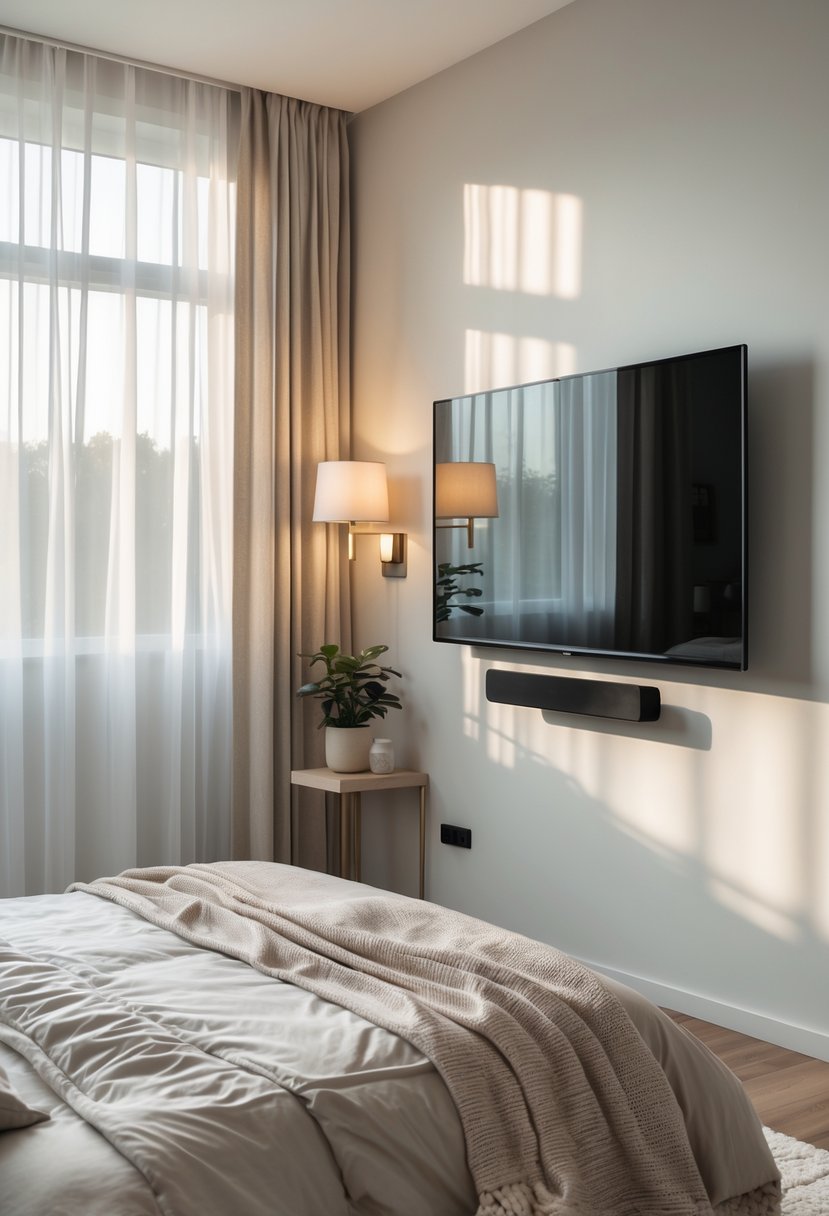
Imagine waking up and watching shows without squinting or neck strain. I’ll walk you through quick measurements, how resolution affects size choices, and easy mounting tips so the TV looks and works great in your bedroom.
Why TV Size Matters in the Bedroom
I focus on comfort, picture clarity, and how the screen fits the room. Picking the right size helps prevent eye strain, fits the wall or stand, and matches how you like to watch from bed.

A treat for the eyes: Sharp 4K brings out rich detail on our 43" flat screen TV, while colors pop off in lifelike clarity with HDR10. Roku Smart Picture cleans up incoming TV signals, optimizes them, and chooses the right picture mode.

4k Ultra HD (2160p resolution): Enjoy breathtaking HDR10 4K movies and TV shows at 4 times the resolution of Full HD, and upscale your current content to Ultra HD-level picture quality.

MINI LED PROCESSOR 4K: Our advanced processor delivers brighter highlights and deeper blacks,* bringing every detail to life with stunning clarity
Viewing Distance and Comfort
I measure the distance from where I sit or lie to the TV first. A common rule I use is to multiply the TV’s diagonal by 1.5–2.5 for HD and 1–1.5 for 4K to find a safe viewing range. For example, a 50″ 4K TV works well at about 4–6.5 feet; the same size in 1080p needs more distance to avoid visible pixels.
I pay attention to eye level. If the center of the screen sits more than 15 degrees above or below my natural line of sight, my neck gets tired. I angle mounts or choose a smaller size to keep the screen within that comfortable range.
I also watch for glare and reflections. A slightly smaller screen or different placement can reduce reflections from windows and lamps, which improves perceived contrast and reduces squinting.
Room Size Considerations
I measure the wall or stand space where the TV will go. A TV that’s too wide looks cramped on a narrow wall and may block airflow or furniture access. Measure width and height, then compare to the TV’s actual dimensions (not just diagonal size).
I consider furniture layout next. If my bed sits against one wall and the TV mounts on the opposite wall, I check for unobstructed sight lines and clear walking space. For small rooms, I choose a slim bezel and a size that leaves 6–12 inches of space on each side for balance.
I also think about mounting height and ventilation. TVs need a few inches around them for heat to escape. If the room has built-in shelves or a dresser top, a slightly smaller TV often fits better and looks cleaner.
Personal Viewing Preferences
I decide how I use the TV: background noise, movie nights, gaming, or working out. For movie lovers who sit close, I pick a larger screen and higher resolution. For people who mostly stream casual shows from bed, a mid-size TV often feels right.
I consider sound, too. If I rely on TV speakers, a closer, smaller screen may work because I’m near the sound source. If I use a soundbar or surround sound, a larger screen balances the immersive audio.
I also set a budget and prioritize features. If I want 4K, I can go larger while keeping pixel clarity. If price limits me, I accept a slightly smaller screen but place it at the optimal distance so the picture still looks good.
Best TV Sizes for Different Bedroom Types
I’ll give clear size ranges and mounting tips so you can pick a TV that fits your room, viewing distance, and sleep comfort. Focus on the distance from your bed, wall space, and how you usually watch (lying down or sitting up).
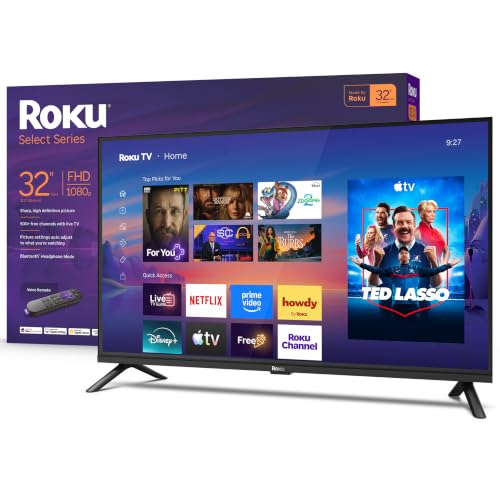
Bright, clear picture: Bring entertainment to life on our 32" flat screen TV with bright 1080p Full HD—perfect for bedrooms, kitchens, and beyond. Roku Smart Picture cleans up incoming TV signals, optimizes them, and chooses the right picture mode.

HDR: Enjoy great contrast in all your content. High Dynamic Range (HDR) expands the contrast between the lightest and darkest parts of a scene, so you can enjoy a wide spectrum of colors and visual details.
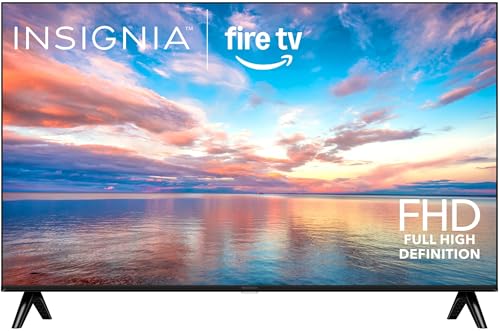
1080p Resolution: Watch movies and TV shows in high-definition picture quality.
Small Bedrooms
In a small bedroom (about 9–11 ft long), I recommend 32–43 inches. That range keeps the screen comfortable when you’re 4–6 feet from the TV. A 32-inch model works well if the bed is close or you want a low-cost option. A 40–43 inch display adds more detail if you sit up to watch or stream high-res shows.
I prefer wall-mounting in tight spaces to save dressers and keep pathways clear. Tilt mounts help if the TV sits a bit high on the wall while you watch from bed. Choose a model with an easy sleep mode or dimming feature to limit blue light before sleep.
Medium-Sized Bedrooms
For medium bedrooms (roughly 12–14 ft long), I usually pick 43–50 inches. That size suits a 6–8 foot viewing distance and gives a more immersive picture without overwhelming the room. A 50-inch TV works well if you like gaming or movie nights from bed.
I suggest placing the TV so the center is at eye level when seated on the bed or using an adjustable mount. Consider a TV with local dimming or a low blue-light mode to avoid bright scenes waking you. If you share the room, aim for a screen that looks good from both the bed and a small seating area.
Master Bedrooms
In master bedrooms (15+ ft or large suites), 55–65 inches often fits best. You can push the TV farther back—9–12 feet—so a larger panel gives clear detail without pixelation. A 65-inch screen suits couples who watch from different angles or from a chair across the room.
I recommend choosing a model with better speakers or adding a compact soundbar for clear dialogue. Mount the TV on a sturdy wall with proper cable management to keep the room tidy. If the room gets a lot of light, pick a brighter panel or an anti-reflective screen to keep picture quality during daytime.
How to Measure Your Bedroom for a TV
I will show you the exact steps to pick a TV size that fits your room and viewing habits. You’ll learn how far to sit, how to measure wall and furniture space, and what numbers matter most.
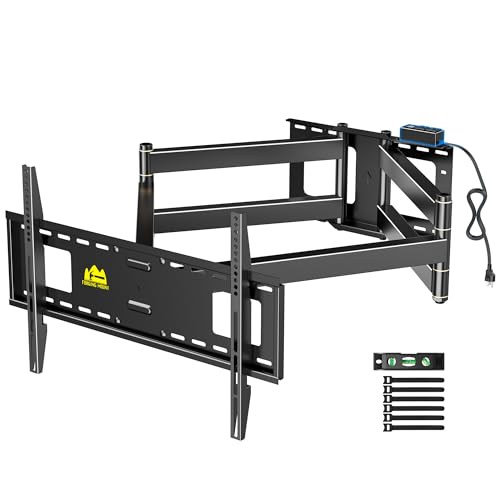
Upgraded Heavy Duty TV Wall Mount with Built-In Power Strip: Meet the all-in-one cable management solution for large screens. FORGING MOUNT's innovative 90 inch TV wall mount features an integrated power strip that connects directly to the mount, complete with 2 AC outlets and 2 USB ports, plus a long 6.3 ft power cord. Effortlessly power your TV, game console, and streaming devices—no extra power strips needed—for a clean, organized, and professional entertainment setup.
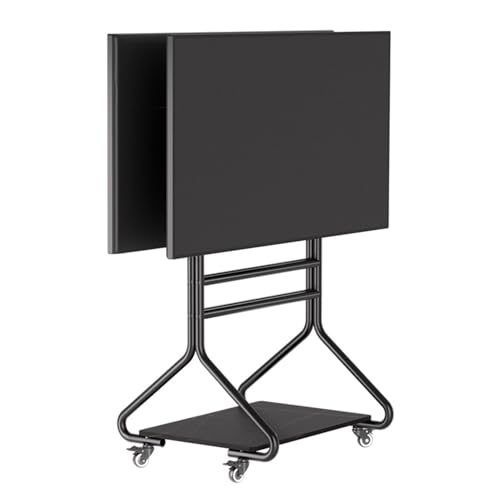
Ultra Strong TV Stand:This floor TV stand can withstand 130kg/270Lbs of weight. In terms of pressure-bearing capacity and quality, the use of cold-rolled steel pipes is the best. plus the safety screw is an additional protection for the load-bearing capacity of the mobile floor TV stand.

Ideal for home use as well as offices, exhibitions, product presentations, meetings, boardrooms, sports and more
Calculating Optimal Viewing Distance
I measure the distance from where my eyes will be (usually the foot of the bed) to the TV screen. Use a tape measure and record that distance in inches or feet. For 4K TVs, I aim for about 1 to 1.5 times the screen diagonal in inches; for 1080p, I use about 1.5 to 2.5 times the diagonal.
Example: if my viewing spot is 8 feet (96 inches) away, a 65″ 4K or a 40–55″ 1080p could work.
I also check the vertical eye height. My eyes sit about 25–36 inches above the floor when I’m in bed. I position the TV so the screen center is roughly at that eye height to avoid neck strain. If I wall-mount, I subtract the TV half-height from my eye height to set the mount height.
Measuring Wall and Furniture Space
I measure the wall width and height where the TV will go and mark obstructions like windows, vents, and trim. I leave at least 2–3 inches of clearance on each side for mounting brackets and cable access.
I also measure the piece of furniture (dresser or console) that might hold the TV. The TV base should sit fully on the furniture or the mount should be centered above it.
I use a simple checklist: wall width, wall height, eye height, furniture depth, and outlet location. If the TV will be above a fireplace, I measure mantel height and angle the TV as needed. If you want a quick calculator, try a TV size and distance tool such as the one at Inch Calculator for a second opinion.
4K Ultra HD TVs
I recommend 4K when you sit closer than 8 feet or want a large screen without losing sharpness. For viewing distances from 3 to 6 feet, I usually suggest 43–50 inches. At 6 to 8 feet, 55–65 inches gives a more cinematic feel while keeping fine detail visible.
4K lets you sit nearer the screen. That means you can choose a larger diagonal without noticing pixels. If you stream most shows in 4K, lean toward the higher end of the range. If your budget is limited, a 43–50 inch 4K TV still provides clear text and menus for a typical bedroom.
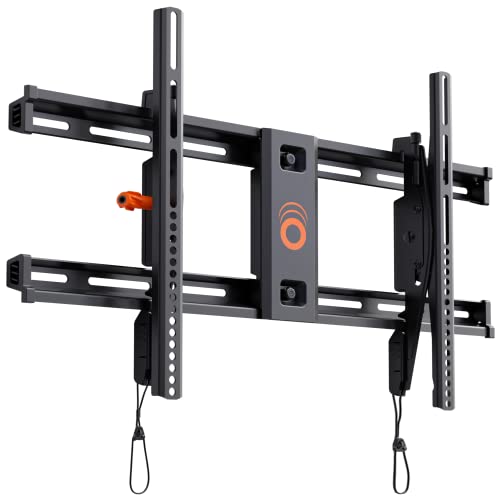
Supports TVs up to 90": Designed for large screens, this mount can handle TVs up to 90" and 135 lbs. Give your entertainment setup VIP treatment with a sturdy, sleek, and reliable mount.

UNIVERSAL DESIGN: Rigorously safety tested, Our ultra strong TV mount fits most 23"-55" TVs weighing up to 99lbs. Solid and sturdy TV bracket with compatible faceplate that fits VESA patterns from 100x100mm to 400x400mm. Can be conveniently mounted on 8" or 16" wood stud walls and concrete/brick walls. Please check the VESA pattern of your TV before purchasing.Please do not install on drywall alone.If your wood stud spacing exceeds 16 inches, please refer to the 16", 18", 24" wood stud full motion TV mount PILTK4
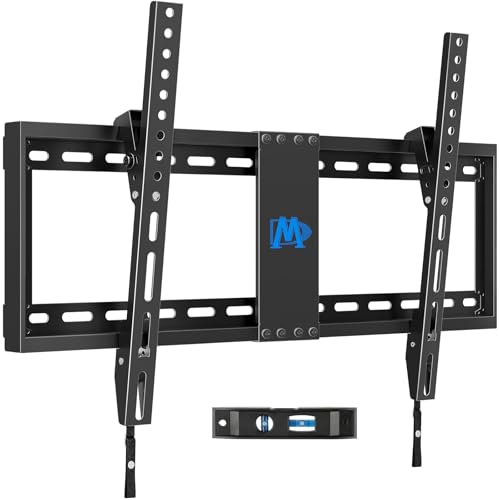
[TV Wall Mount and Suitability] This tilting TV mount is suitable for 37-90 inch TVs, holding a weight of 132lbs with Max VESA 600x400mm, supporting up to 24 inches wood stud spacing. For better feel, you can check the weight of TV, VESA, wood studs spacing and blocked input. Kindly note that TV is just for reference. Patent no. 29/639, 502
1080p Full HD TVs
I advise smaller sizes for 1080p because lower resolution looks softer at close range. For 3 to 6 feet, 32–43 inches usually looks sharp and avoids visible pixelation. At 6 to 9 feet, 43–50 inches can work, but you may notice less detail than on a 4K set.
If you mostly watch cable or older Blu-rays, 1080p saves money and still works well. Match screen size to distance: closer seating needs smaller screens to keep the picture crisp. Consider a 1080p TV only if you don’t plan to sit very close or upgrade sources to 4K soon.
Relevant reading: use a TV size calculator to convert your exact viewing distance into recommended diagonal sizes.
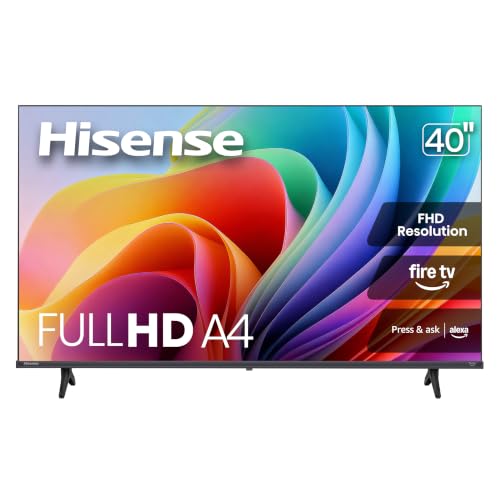
FULL HD RESOLUTION: When a 1080p High-Definition LCD screen meets a Full Array LED backlight, it creates an even sharper, brighter picture, delivering crisp, clear content.

Your next Roku TV: This Roku TV puts thousands of free and premium streaming channels, live local news, sports, and movies in one simple home screen - no extra streaming device needed
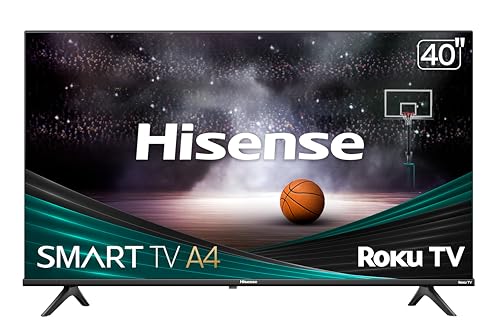
ROKU TV: Hisense Roku TV makes it easy to watch what you love with built-in streaming. Enjoy endless free, live and trending TV with all the most popular apps and new features added automatically. Available in lots of sizes, there’s a Hisense Roku TV for everyone and every room
Mounting and Placement Tips
I focus on where the TV will sit, how it will hang, and how that affects comfort and room use. Proper placement keeps the screen at a natural eye level and avoids glare or an awkward fit on the wall.

Get more from your TV – With 4K Ultra HD, enhanced brightness, and clear audio, the Amazon Ember 4-Series upgrades your entertainment.

DYNAMIC QNED COLOR: Enhances color accuracy for vibrant, more lifelike viewing with certified 100% Color Volume.

HI-QLED COLOR: Experience a visual treat with Hi-QLED Color. Every frame is rich, vibrant, and true-to-life, ensuring that every shade, from soft pastels to bold and striking tones, stands out in stunning clarity
Wall Mount vs. Stand
I prefer wall mounts when I want a clean look and more floor space. A fixed low-profile mount keeps the TV flush, which works well if I watch from a steady position. If I need tilt or swivel to aim the screen from bed or a side chair, I choose a tilting or full-motion mount.
If I use a stand, I place the TV on a low dresser or media console so the center sits closer to my eye level when reclining. Measure the furniture depth and weight capacity before buying. Use cable clips or a raceway to hide cords and avoid trips.
Quick checklist:
- Wall mount: saves floor space, cleaner look, choose type (fixed/tilt/full-motion).
- Stand: easier to move, check depth and weight, secure with anti-tip straps.
- Always anchor to studs or use correct anchors for the wall type.
Eye-Level Positioning
I aim the TV’s center to sit about 30–40 inches from the floor for typical bed viewing. This range matches my eye height when I lie back on a mattress with pillows propping me up slightly. Taller people or very low beds may shift that number a few inches.
For screen tilt, I angle the TV down about 5–10 degrees if the mount sits higher than my eye line. That reduces neck strain and improves contrast. I also check for light sources: I avoid direct window glare by moving the screen or adding blackout curtains.
Simple measurement method I use:
- Sit or lie in your usual viewing position and measure eye height from the floor.
- Divide the TV height in half and set the screen center to match your eye height (or within 5–10 inches).
- Adjust tilt for any remaining vertical offset.
For more mounting height guidance I reference a practical TV mounting height chart.
Additional Features to Consider
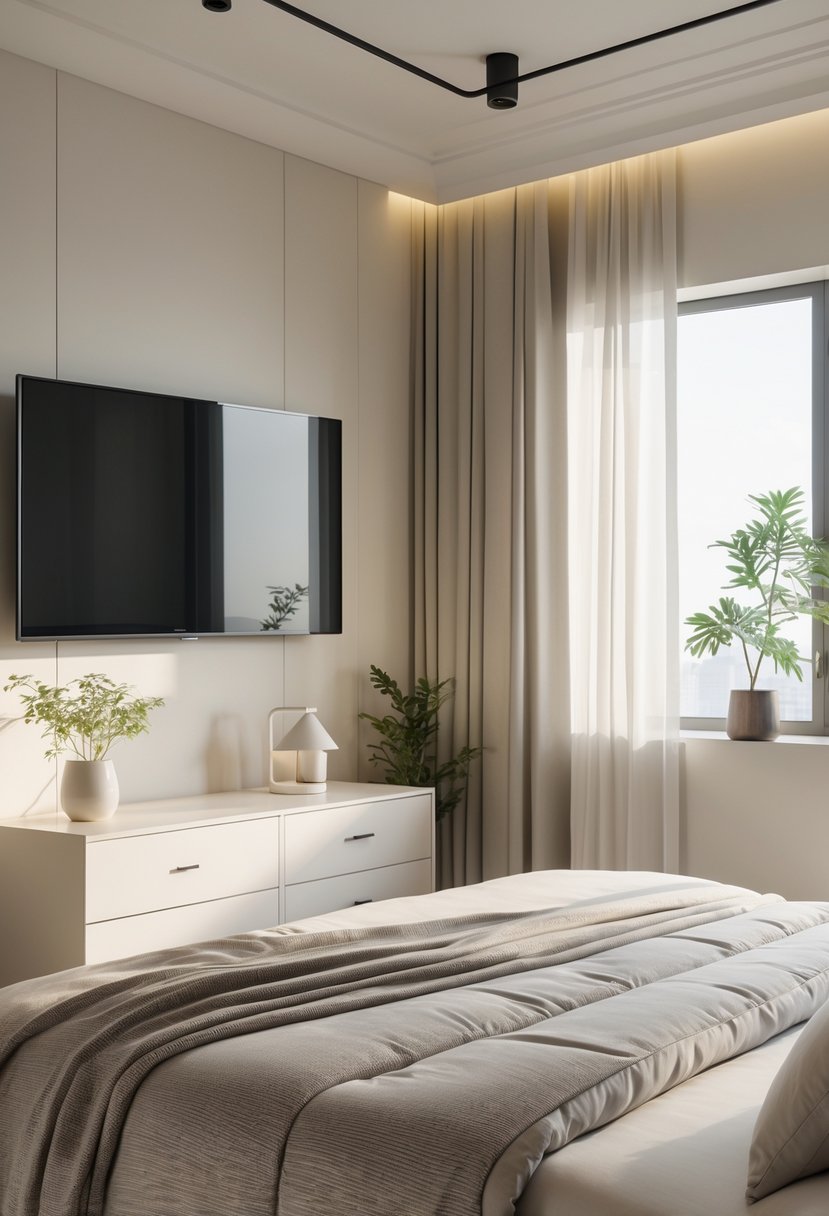
I focus on features that make a bedroom TV easier to use and sound better. Think about streaming apps, voice control, and how audio will fill the room.

Versatile Fit: Designed to elevate your home décor, the Morandi white TV blends effortlessly into bedrooms, dining rooms, or any cozy corner with its gentle presence — all without compromising on style

Enjoy the view - Watch TV in crisp, clear 1080p Full HD resolution and experience a brilliant picture.
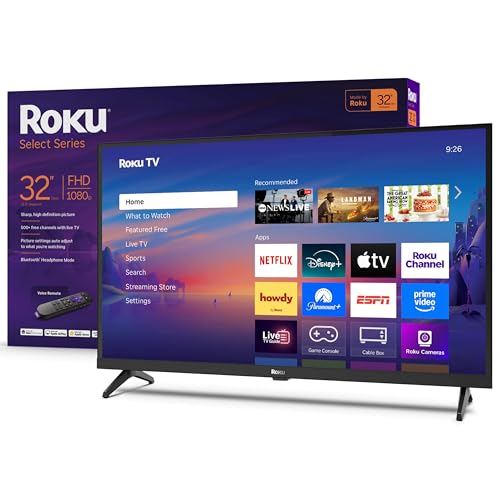
Seamless streaming: With fast Wi-Fi and apps that launch in a snap, Roku Select Series TVs get you to your entertainment quickly. Our intuitive interface makes exploring popular apps—plus free movies, shows, and live TV—as easy as it is fun.
Smart TV Capabilities
I check app support first. Make sure the TV runs popular apps like Netflix, Hulu, Disney+, and Apple TV. If you use a particular ecosystem, pick a TV that supports it—Roku, Google TV, or Samsung’s Tizen each have different app stores and interfaces.
I value quick startup and a responsive remote. Look for TVs with a fast CPU and low app load times. Voice assistants (Google Assistant, Alexa, or built-in) make tasks easier, like changing inputs or lowering volume without getting out of bed.
Connectivity matters. Ensure the TV has at least two HDMI ports, one eARC for soundbars, and Wi‑Fi 5 or 6. If you mirror phone content, confirm Apple AirPlay or Chromecast is supported. Security updates and regular firmware patches keep apps working long term.
Sound Quality Enhancements
I treat audio separately because small TVs often have weak speakers. If you want clear dialogue, choose a TV with a dedicated center-channel or strong midrange. Look for features labeled “Clear Voice” or “Dialog Enhancement.”
A soundbar is usually the best upgrade. For bedroom use I recommend a compact 2.1 soundbar with a wireless subwoofer to avoid bulky setups. Choose one with night mode or dynamic range control to keep bass from waking others.
Check for eARC on the TV to pass high-quality audio to external gear. Built-in Bluetooth can help for headphones when you watch late. I also test room placement: pushing speakers off a wall or adding soft furnishings reduces reflections and improves clarity.
Design and Aesthetic Considerations
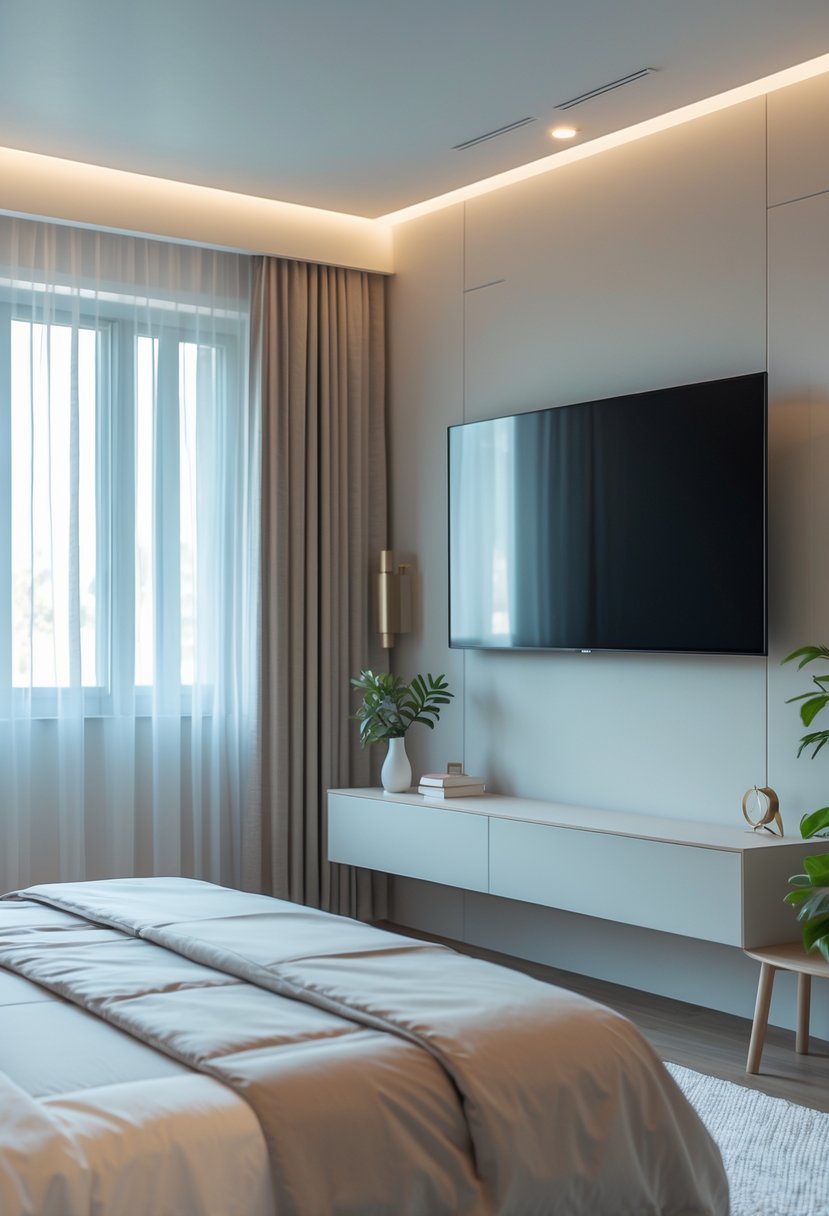
I focus on how the TV fits the room and how wiring looks. I look for balance between screen size, furniture, and clean lines.
Matching TV Size to Bedroom Decor
I pick a TV that matches the scale of my furniture and wall. If my bed sits 7–10 feet from the screen, I choose a 50–65 inch set for clear viewing without overwhelming the wall. For a smaller room with 4–6 feet distance, I use 32–43 inch models so the screen stays proportional.
I think about placement: wall-mounted TVs read as minimalist, while a TV on a low media console becomes part of a furniture group. I match finishes—black bezels with dark frames, or a slim silver frame for lighter decor. I also consider TV height: the center should sit about eye level when I’m seated or reclining.
Brief checklist:
- Measure viewing distance and wall width.
- Match TV finish to room tones.
- Choose mount or console based on room flow.
Cable Management Solutions
I hide cables to keep the room calm and tidy. I prefer in-wall-rated cable kits for a permanent, clean look when mounting a TV. If I rent or can’t cut walls, I use slim raceways that paint to match the wall and stick flat for a near-invisible run.
Behind a console, I group cords with Velcro straps and label each cable. I add a power strip with surge protection inside the cabinet to reduce visible plugs. For streaming devices, I mount a small shelf behind the TV or use a recessed media box to keep boxes and adapters out of sight.
Quick tips list:
- Use in-wall kits or paintable raceways.
- Bundle and label cords; hide power strips.
- Mount small devices behind the TV or in a recessed box.
Final Thoughts on Choosing the Right TV Size
I focus on what matters most: viewing distance, resolution, and room layout. Measure where you sit and pick a screen that fills your view without forcing you to move your head.
I prefer 4K for screens 42 inches and larger because it keeps details sharp at closer distances. If your bedroom is small, a 40–55 inch TV often fits well and feels comfortable.
Think about mounting height and furniture placement. A low mount works for beds; a high shelf can strain your neck.
I weigh price and future use too. If I plan to upgrade my living space later, I might choose a slightly larger size now. If you mostly stream shows, a mid-size 4K set gives the best balance.
Here are quick checks I use:
- Measure viewing distance before shopping.
- Match screen size to room and bed layout.
- Choose 4K for screens 42″ and up.
- Consider mounting height and glare control.
I keep choices practical and simple. Pick a TV that fits your space, eyes, and budget so you enjoy watching without any hassle.

CHECK COMPATIBILITY BEFORE PURCHASE: First, confirm your TV is 26"–74". Second, check that the VESA pattern is between 100×100mm and 400 × 400mm. Third, make sure your wall has 8", 12", or 16" wood studs, or is made of concrete or brick walls. Not for drywall alone! If your stud spacing exceeds 16″, please contact us for an extension bracket that supports studs spaced up to 24″ apart or search for Pipishell PILFK1-24 TV wall mount.

WIDE DESIGN: The tilted TV wall mount is compatible with most 23" - 60" TVs up to 115lbs / 52 kg, fits 60 inch, 55 inch, 50 inch, 43 inch, 42 inch, 40 inch TVs, etc. with VESA mounting patterns 75x75mm up to 400x400mm. Please check VESA, TV weight, wall stud location and possible blocked cable/input. The tilting TV mount can be installed on 8″, 12″ or 16″ wood studs, concrete, or brick walls. Do not install the mount on drywall alone.

Universal Compatibility: Our tilting TV wall mount fits most 24" to 65" TVs weighing up to 99 lbs. Features a universal VESA plate compatible with patterns from 100x100mm (4"x4") up to 400x400mm (16"x16"). Always verify your TV's VESA pattern, weight, and wall type before purchase.
Frequently Asked Questions
I list clear, practical answers you can use right away. Each question covers measurements, placement, and exact size ranges for common bedroom layouts.
What factors should I consider when choosing a TV size for my bedroom?
I start with viewing distance. Measure the distance from your usual viewing spot (usually the bed) to the wall or stand where the TV will sit.
I check screen resolution next. Higher resolution (4K) lets you sit closer to a larger screen without seeing pixels.
I also consider wall space and mounting height. Make sure the TV width fits the wall and the center of the screen sits at eye level when you’re seated or reclined.
Finally, I think about room layout and lighting. Bright windows behind the TV cause glare, so a smaller or brighter display, or different placement, may work better.
How does viewing distance affect bedroom TV size selection?
I use a simple rule: multiply the viewing distance in inches by 0.6 to get a recommended TV diagonal for comfortable viewing at 1080p. For 4K, you can go larger because the image stays sharp closer.
If your bed is 8 feet (96 inches) from the TV, 96 × 0.6 ≈ 58 inches, so a 55–65 inch TV fits well. If your bed is 6 feet (72 inches) away, aim for about 43–50 inches.
I also watch for eye strain. If the screen fills too much of your field of view, it can feel tiring. Pick a size that keeps text clear and watchable without moving your head constantly.
What are the recommended TV sizes for small, medium, and large bedrooms?
Small bedrooms (bed 4–6 feet from the screen): I recommend 32–43 inches. These sizes fit common furniture and keep the picture sharp at close range.
Medium bedrooms (bed 6–9 feet from the screen): I recommend 43–55 inches. This range balances immersion and comfort for typical master bedrooms.
Large bedrooms (bed 9+ feet from the screen or open plan): I recommend 55–65+ inches depending on wall space and sight lines. For long distances, a 65 inch or larger 4K TV often gives the best viewing experience.
For extra help, I use a viewing distance calculator to match my room’s exact measurements and preferred resolution, such as the guidance on the TV Size To Distance Calculator page.